PoliticsDx
See in the Microsoft StoreExplore the political world
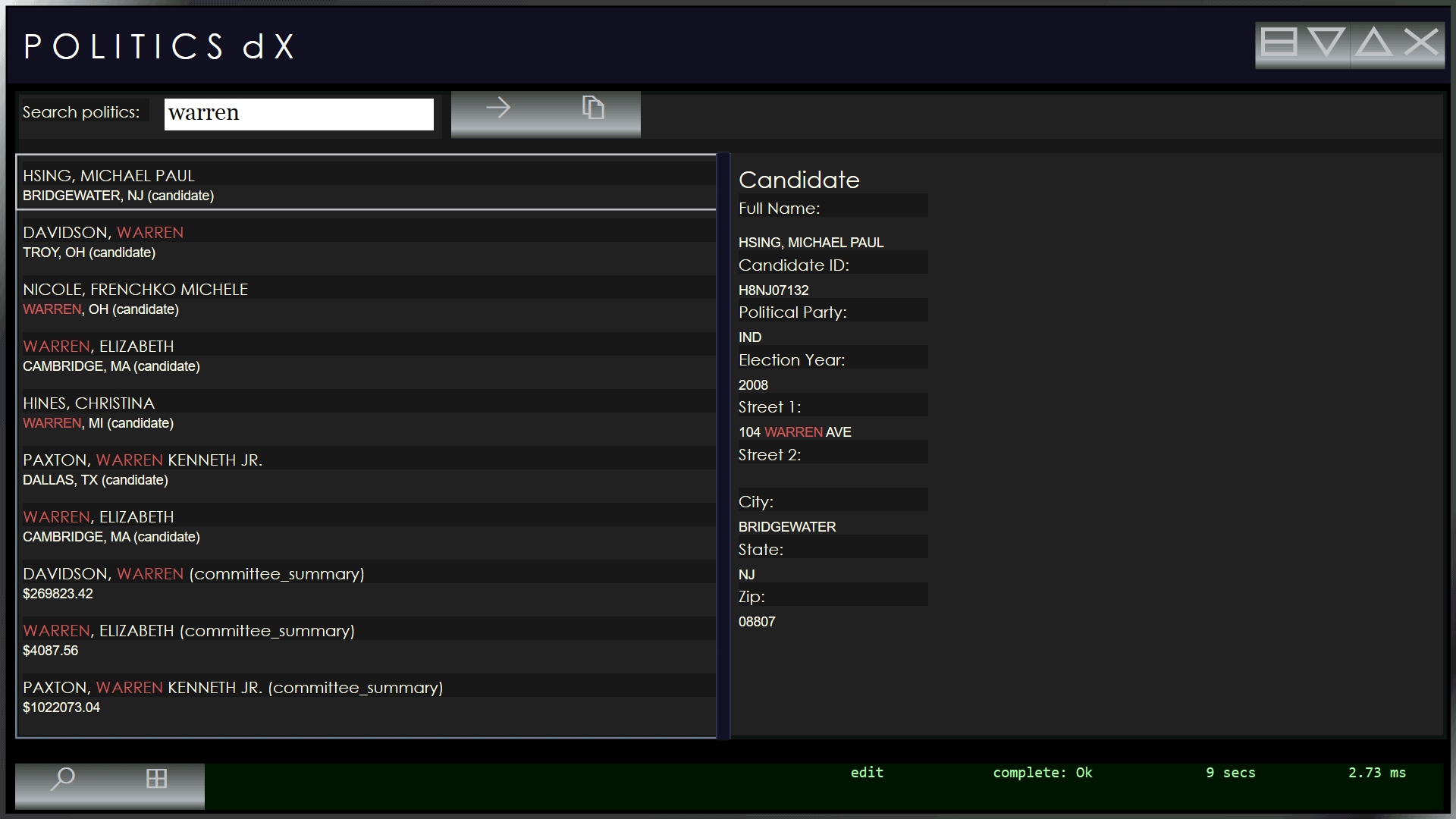
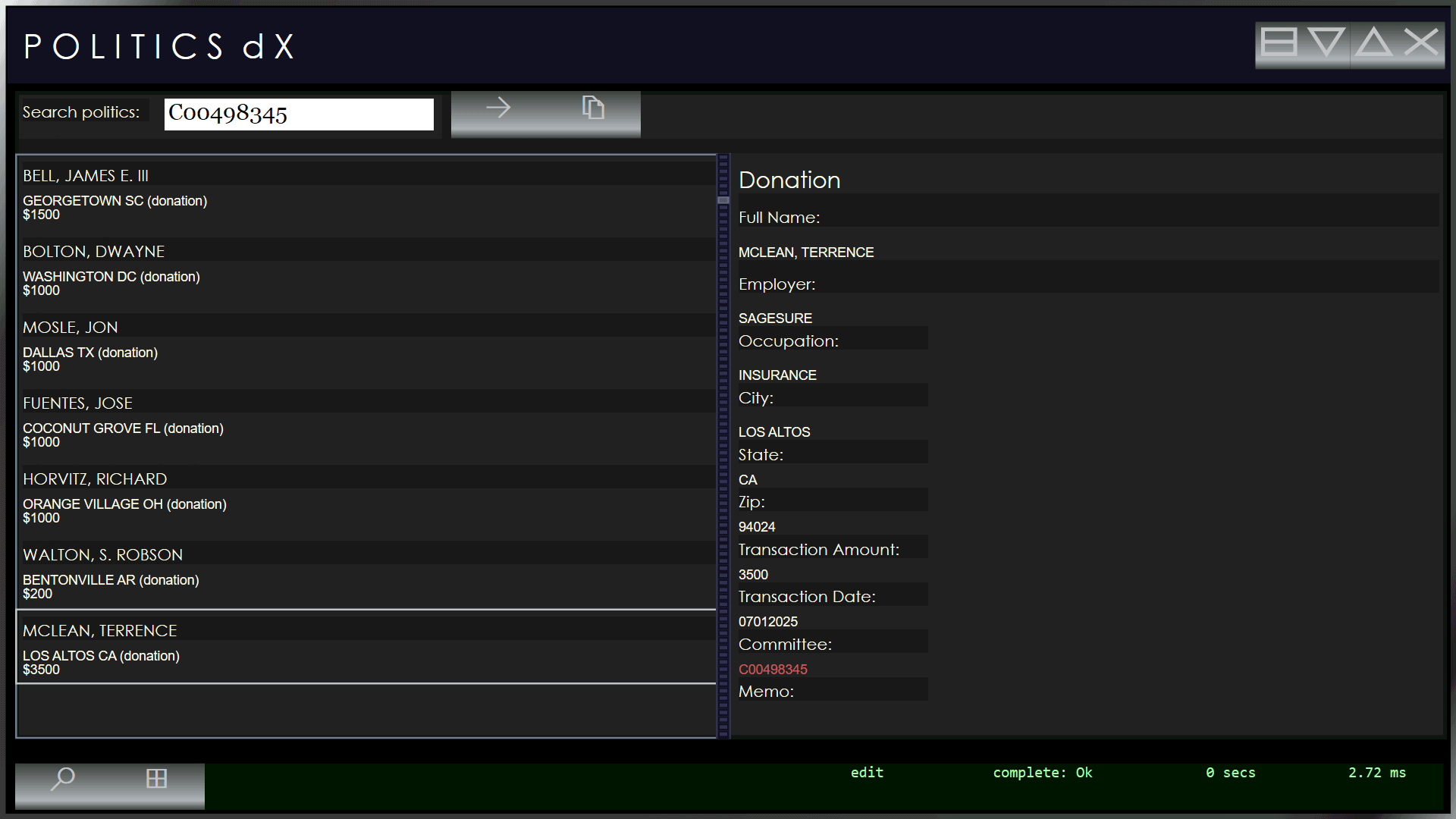
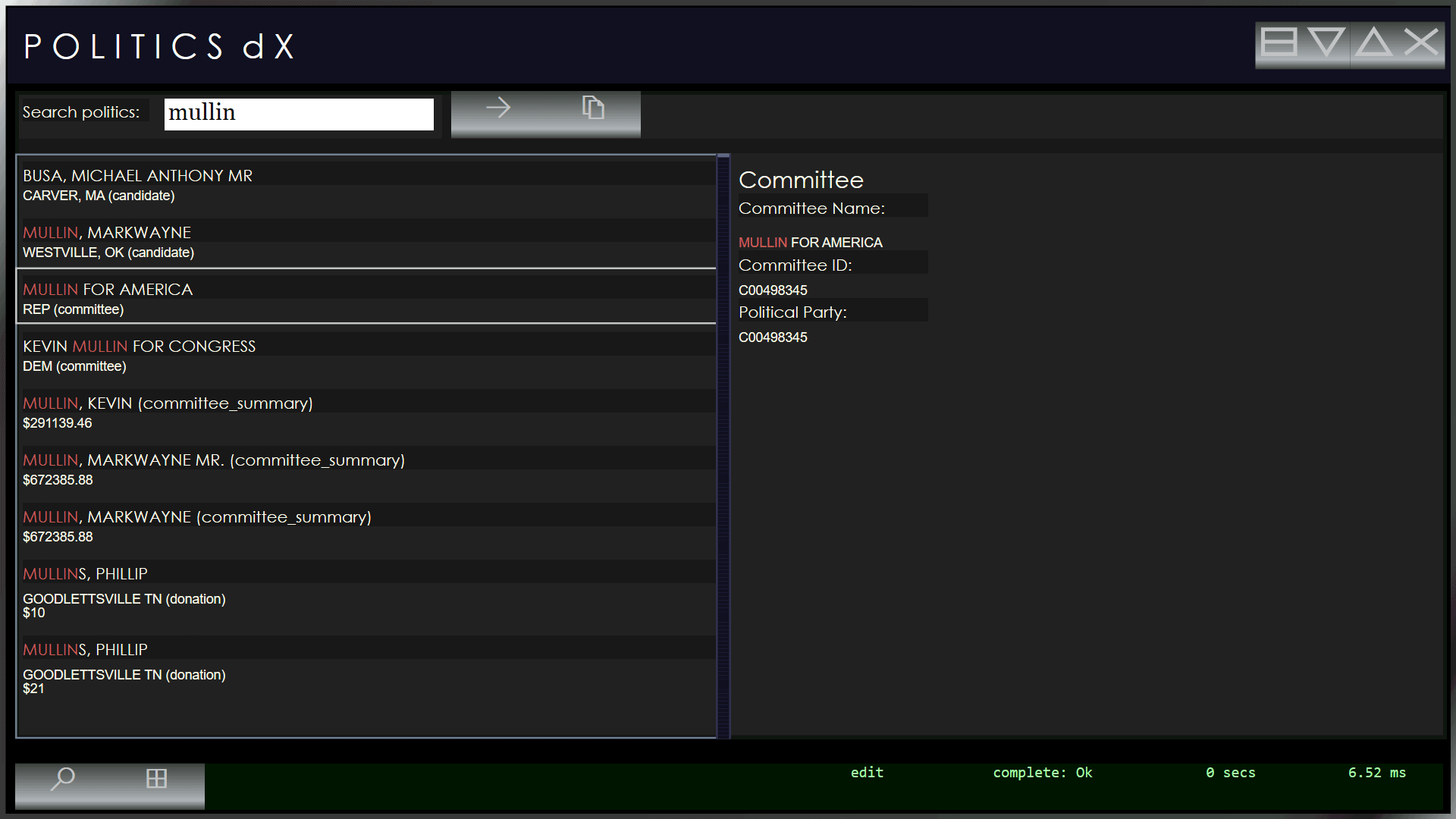
PoliticsDx lets you search the entire US election database, locally on your machine. You can search for candidates and donors and committees.
How to use PoliticsDx
PoliticsDx is a big download from the Microsoft Store, but once its installed, its done. Launch PoliticsDx and then put in your names, streets, cities, employers and more. PoliticsDx will search through everything to give you the answers that you need.
When PoliticsDx is Great
PoliticsDx lets you follow the money. Expose hypocrisy, prove loyalty, and be hero. Go beyond talking points by finding out who is supporting some of "these" candidates. Check to see how faithful people online are to the cause by checking their donations. Worried that a potential manager might be a political opponent? Check before you sign. Look for patterns of support, and see what candidates are beholden to what industry.
Find out if your allies are who they say are. Checking their donations. If you are outside the USA, you can find out if your trading partner in America supports your country and people by virtue of who he politically supports.
Full Stack in an App
PoliticsDx compresses a giant database and search and presentation stack into a single application. PoliticsDx was written in powerful C++ directly to the Windows operating system. Fast and tiny, PoliticsDx can run on just about any PC.
Where to Buy
PoliticsDx is sold through the Microsoft Store. We give Microsoft a slice, and they provide security and shopping services to keep your transactions safe and accessible.
About the Author
PoliticsDx was written by Todd Bandrowsky, of Bowling Green, KY.
Screen Shots